

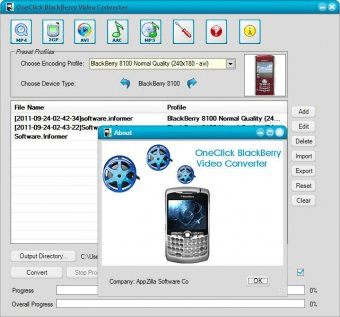
OneClick BlackBerry Video Converter allows you to convert a lot of video files directly to BlackBerry. This program is a very complete application that will allow you to convert your files and customize your conversions by setting many output parameters. Using this software you will be able to change your files' names, bit rates, sampling, audio channels (mono and stereo), video codec, video bit rate, video frame rate, output resolution and crop resolution. The program has the advantage of being completely free. The program does not require a lot of space on your hard disk and it is very easy to install and pretty easy to use. The program's interface will guide you clearly on how to get your files converted so that you can extract them and enjoy them on your BlackBerry. The program does not have any disadvantages considering that it is a free program and that it works with a very high quality and efficiency level.
Another good thing about this program is that it supports plenty of formats: AVI, WMV, MOV, MPEG, OGG, Mp4,FLV and more .





Comments